
Core
S3 Explorer
Buckets you can actually open.
MinIO, AWS-compatible S3, and provider object storage. List prefixes, preview files, download objects — with the keys already stored in infracp.
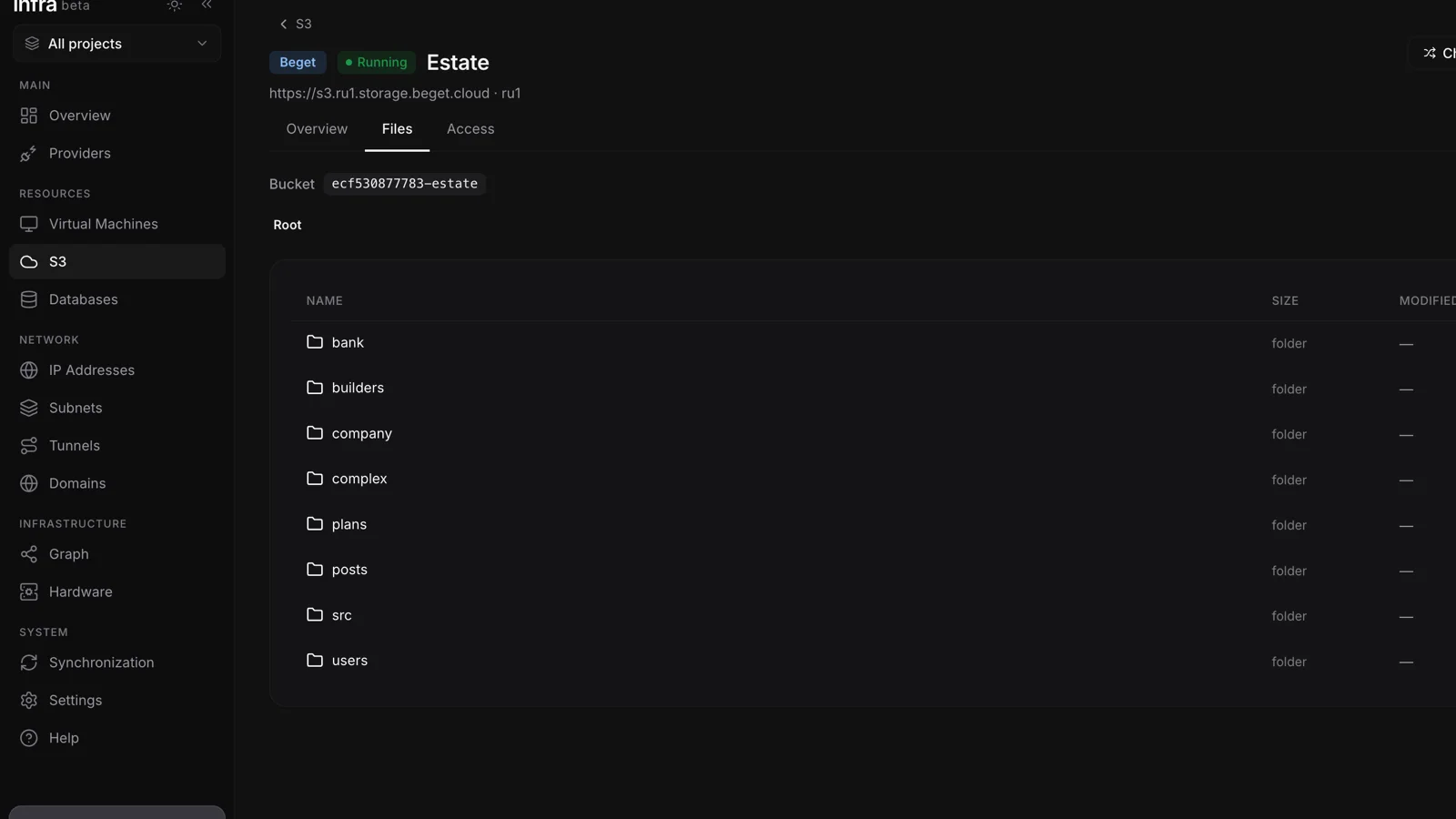
Browse like a filesystem
Prefixes as folders, breadcrumbs back to the bucket root. Grid or list. Size and modified date on every object. The same keys you already saved for the S3 service — no second login.
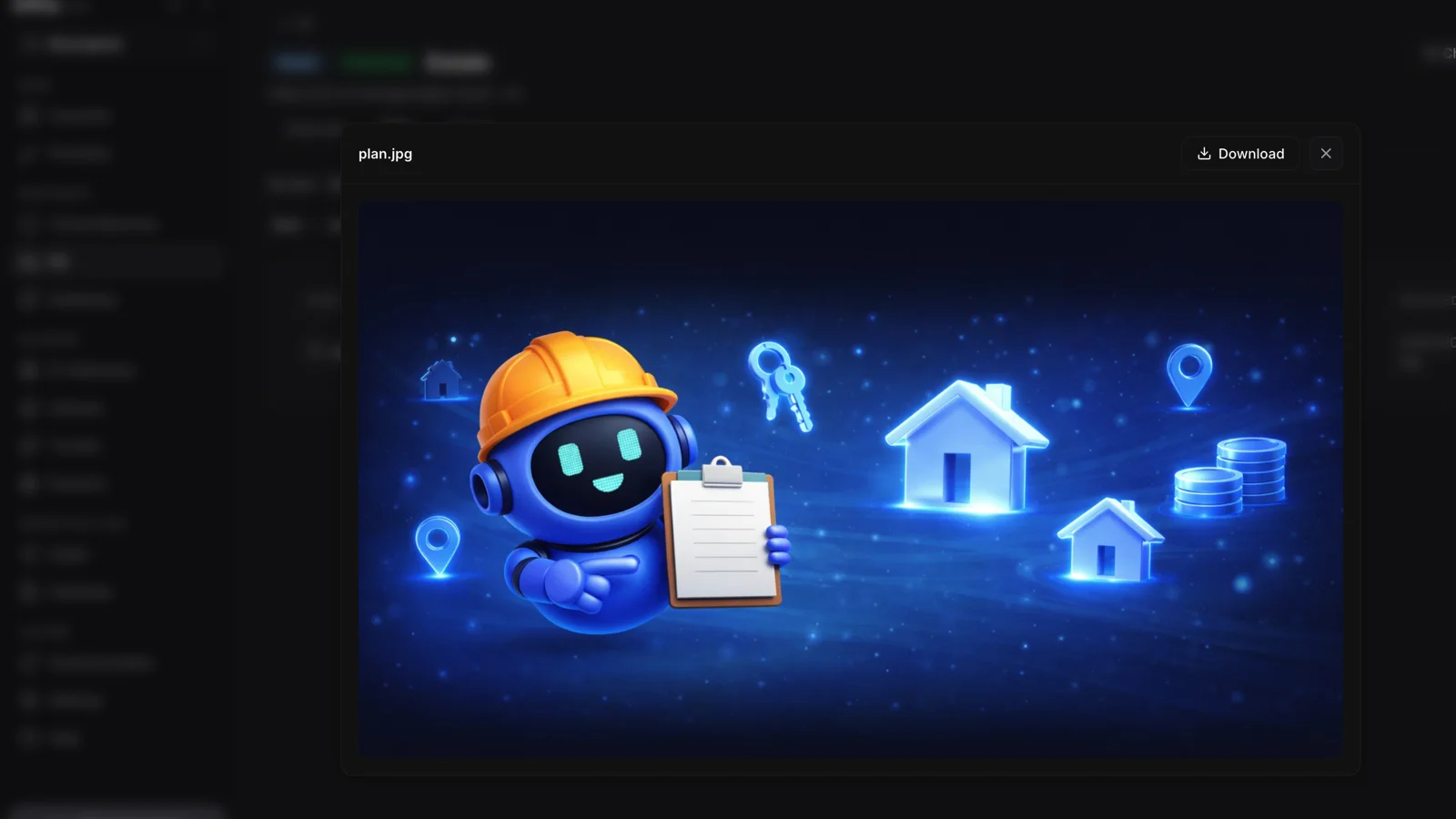
Preview and download
Images and text open in place. Everything else is a download. No desktop client, no vendor console, no copying access keys into another window.
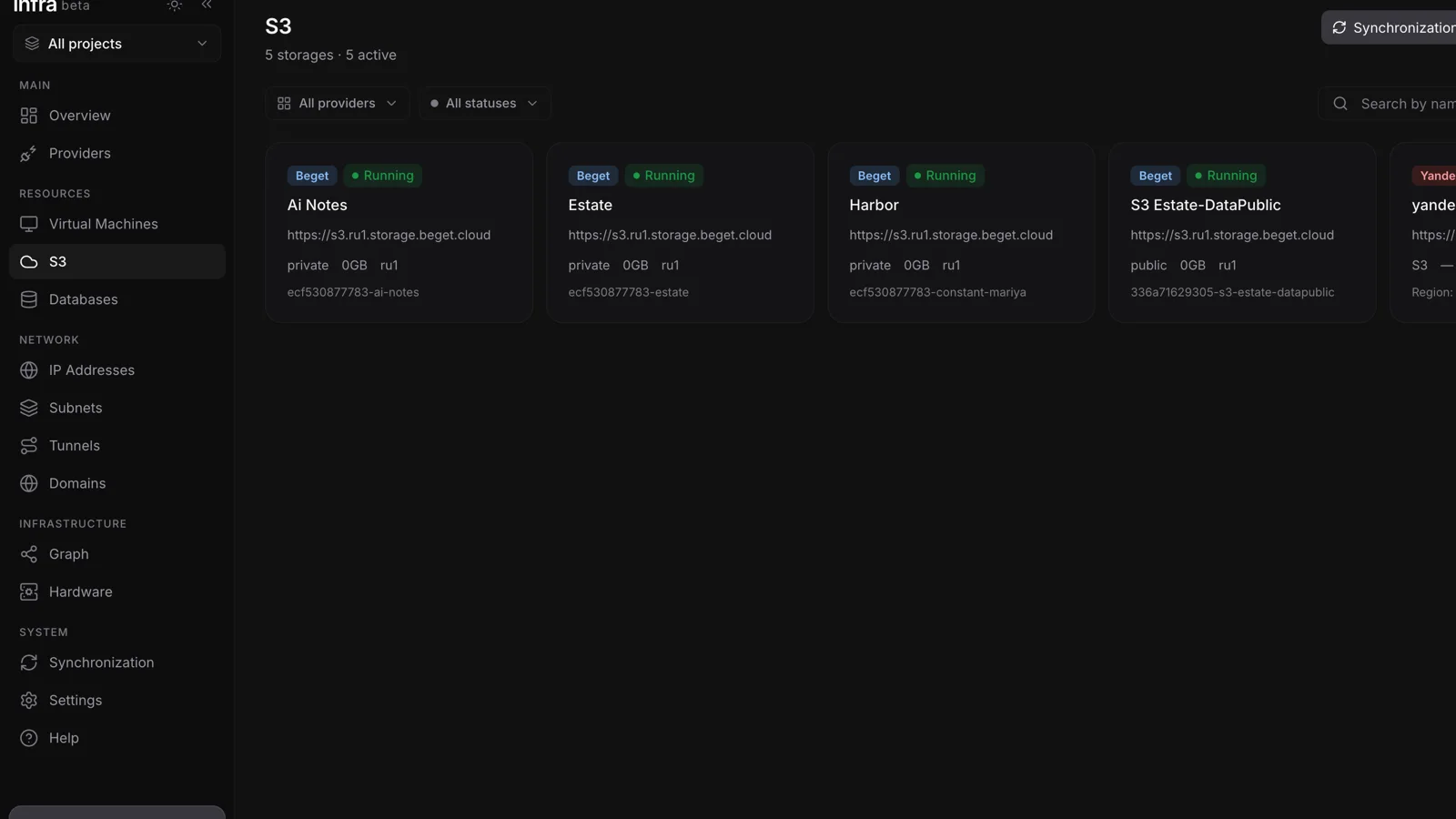
Storage next to compute
Object storage is a first-class resource in infracp — listed with VMs and databases, scoped to the same client and project. Backups and assets live in the inventory, not in a bookmark to MinIO.
In the box
- MinIO and S3-compatible cloud storage
- Prefix navigation with breadcrumbs
- Grid and list views
- In-panel preview for images and text
- Download any object
- Credentials encrypted in the panel
More from the control plane
One panel. Four products.
Self-hosted, free at any scale — desktop app and Docker on the way.